
Install the macOS app
Open the Xcode project, run the app, and grant microphone, accessibility, and screen recording permissions.
Beep Boop is a menu bar companion that sees your screen, listens on push-to-talk, speaks back, points at UI elements, and pulls live Solana context through a Cloudflare gateway.
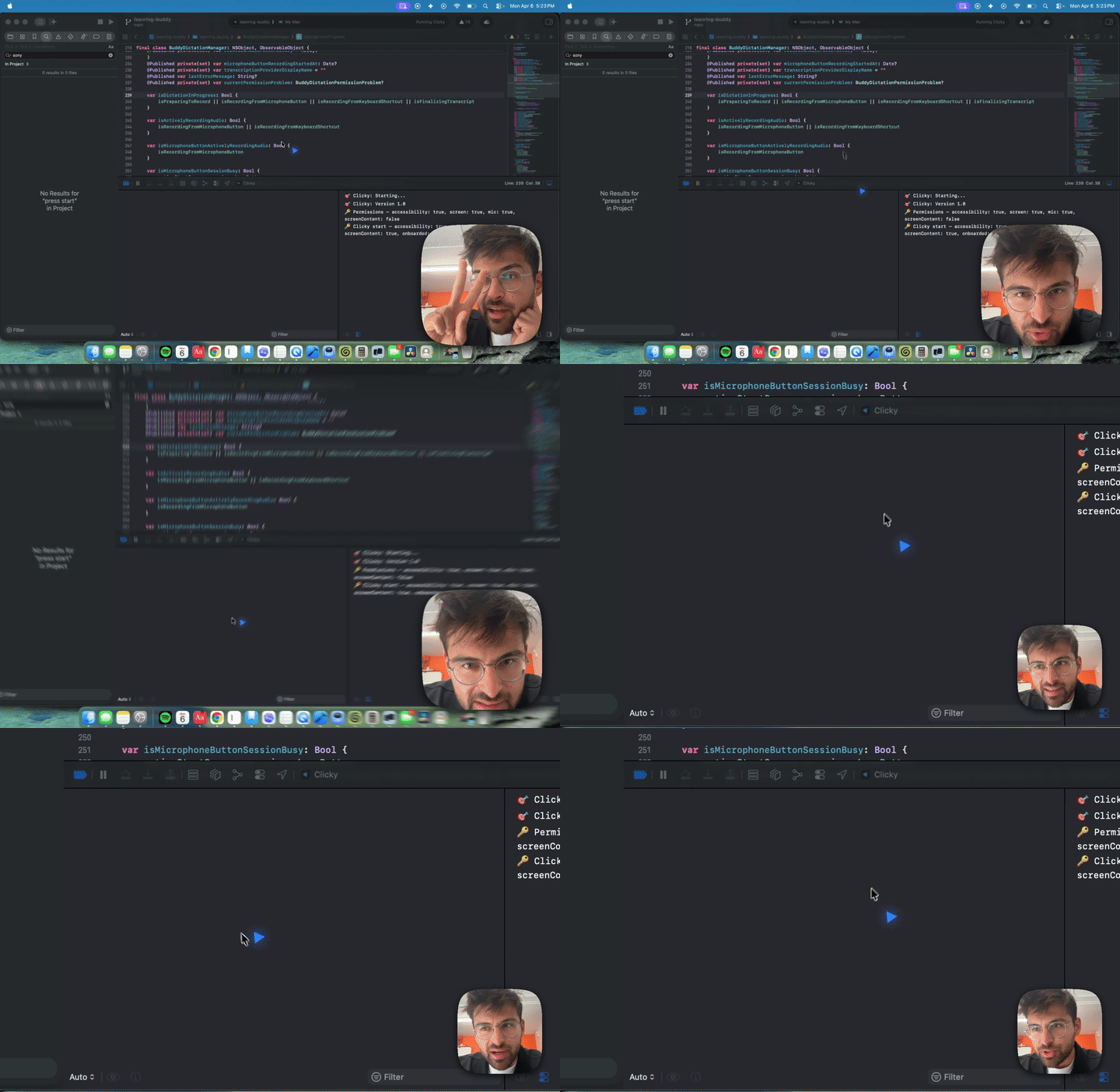
Hold control-option and say what you need.
The app sends screen captures through the gateway.
The overlay flies to the relevant UI target.
Keep onboarding direct: install, allow permissions, pick GPT 5.5, then ask for screen help or Solana wallet context.
cd beepboop/worker
npx wrangler dev --port 8787

# Xcode app config
ClawdGatewayBaseURL = https://clawd.x402.wtf

# Run in Xcode
open beepboop/leanring-buddy.xcodeproj
Open the Xcode project, run the app, and grant microphone, accessibility, and screen recording permissions.
The panel now defaults to OpenAI Responses through the deployed gateway, with Claude models still available as fallback.
Ask for help with the thing on screen. The assistant can answer, speak, and point at the right place.
Say a Solana address and the app injects live balance, Helius asset, and Birdeye price context into the model prompt.
The product should be sold as a practical assistant, not a novelty. These are the first workflows to show.
Users can ask what they are looking at, where a control is, or what to do next inside a macOS workflow.
It can read Xcode, terminal output, docs, and UI state, then speak the next step while pointing at the right target.
Wallet balances, token assets, enhanced transaction history, and token price data are fetched by the gateway.
Use this to prove the deployed gateway is alive before onboarding a new user or debugging their setup.
This is the old architecture visualization compressed into a scannable public explanation.
Lead with a short proof loop. People should see it point at something useful before they hear a long pitch.